Friday 12th of June
From Theoda Metcalf and Aaron Danker
Your Online Marketing Teachers
Are you tired of paying someone to build your websites… only to have that person forget to add that video or color scheme you asked for?...
Are you the “if you want it done right, you have to do it yourself” type of person… but the whole website building process is way too technical?...
Maybe YOU want to be the person people are paying for setting up THEIR website… and you want to do it the best way possible?...If so, I understand. I’ve been there...
Love them or hate them, Google has some powerful tools to help make your business better.
One of these power tools is a little application called 'Google SItes'. With it, you can create a professional mobile-responsive sites without the need for HTML software, web hosting or even a domain name.
That is the good news. The not-so-good news is that Google once again makes its tools a bit complicated and hides many of the cool features of Google Sites.
Using Google Sites makes creating, maintaining or collaborating on a website a breeze. But, having the word ‘Google’ in the site builder name means it will likely be confusing & without a clear step-by-step guide for you to follow.
At least it was for me when I first began learning how to use Google Sites.
How Much is Your Time Worth?
Having gone through those outdated videos as well as forum and blog posts that claimed to have the answers to my questions, I still had many questions that remained unanswered... Questions like...
 How Can I Add Buy Now Buttons, Add to Cart and Subscription Payment Buttons?
How Do I Add or Change the Header Images?...
How Do I Add New Pages or Sub-Pages?...
Can I Create and Add Custom Contact Forms?...
Do I Need a Domain Name to Build a Website?...
Well let me answer that last question for you RIGHT NOW!... You don't need a domain name for what I'm about to show you!
What turned out to be a blessing in disguise was having to go through a lot of outdated information to learn the ins & outs of Google Sites.
You see, the blessing was when I tried to do what was shown in the outdated info and of course it didn’t work – I ended up spending a lot more time just poking around within the software trying to solve the various issues.
In that ‘process’ not only had I discovered many answers to my questions but also many hidden features that no one else had been talking about or maybe these features are simply brand new.
Luckily for you though, I made TONS of notes.
From my trial and error then success, you can now get your hands on a massive series of 20 step-by-step training videos.
These Google Sites Training videos allow you to look over my shoulder as I build a multi-page, mobile responsive professional grade website using Google Sites.
Introducing Google Sites for Marketers
Among many other things, these videos…
Define the ‘Geek-speak’. When you know what is being said it is easier to figure out and follow along and are easily digested.
This is not a boring eBook full of waffle and theory. These are entertaining easy to follow along videos that are a pleasure to watch and so easy to learn from.
Scroll down to check out what's inside this course...
Lesson 1 - Introduction
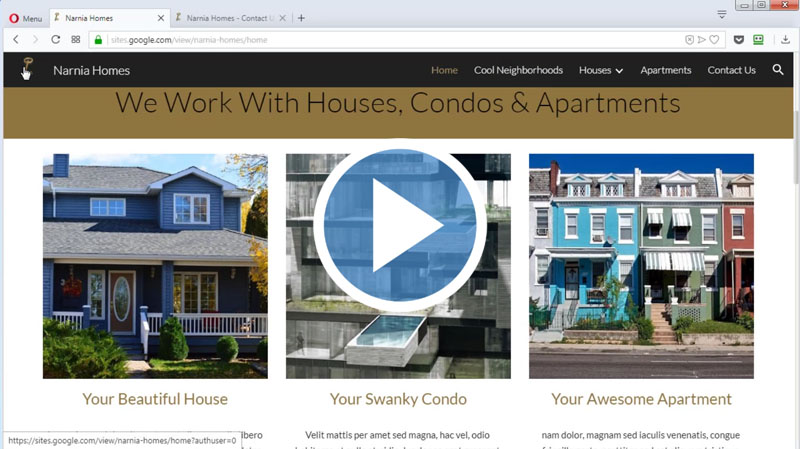
In this course, we are going to learn the step-by-step procedure of how to host, build and customize a professional-looking website using the always free Google Sites.
Lesson 2 - Setup Google Account
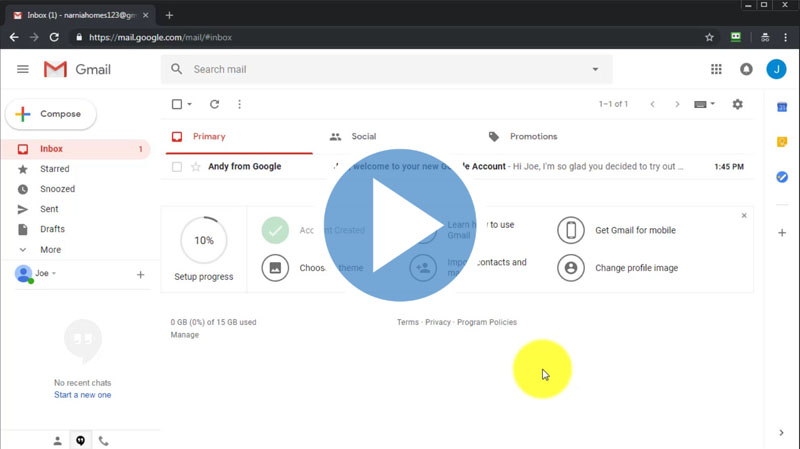
In this class, er are going to see how to create a google account step by step. You can skip this lesson if you already have a Google account however if you're not very techie with computers will be a great help.
Lesson 3 - Quick Google Sites Tour
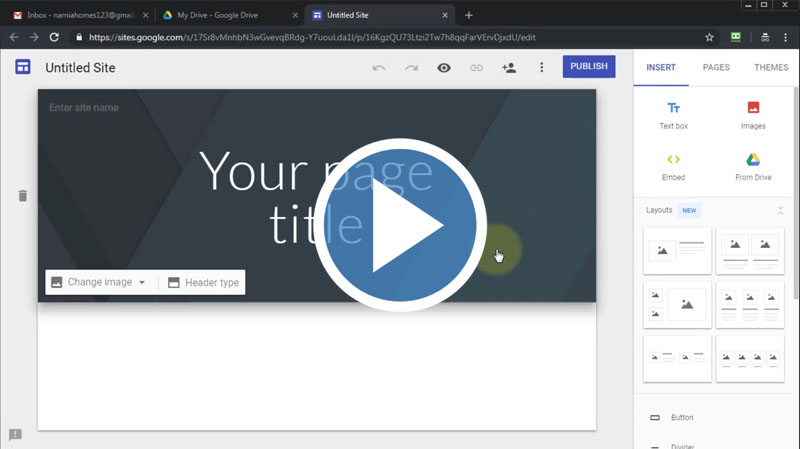
In this video, we are going to have a quick tour inside the google sites user interface. There are several applications on google. Let's check them out in the tutorial.
Lesson 4 - Quick Basic Site Build
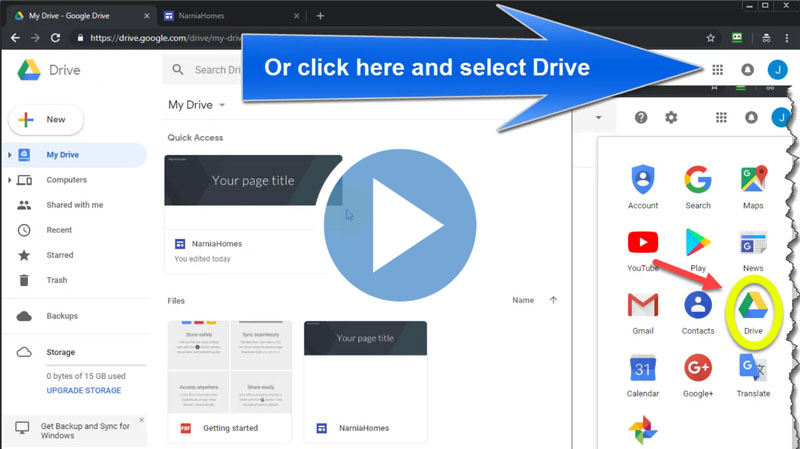
Now we have a basic idea of where some of the tools are located. We are going to start building our first site.
Lesson 5 - Choose & Customize Your Theme
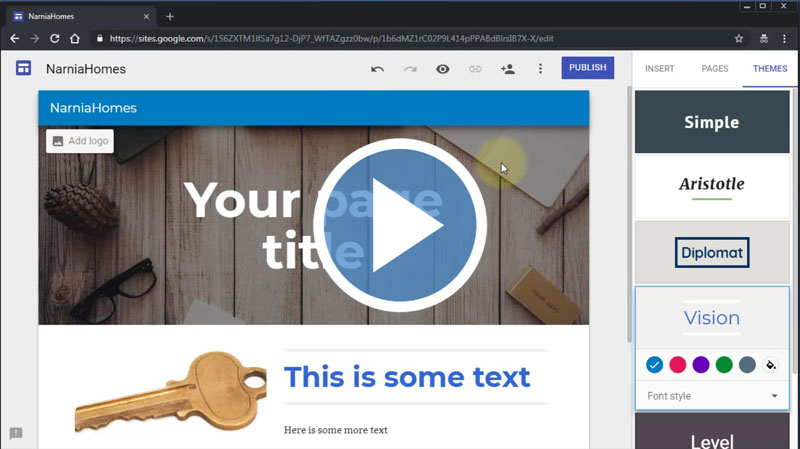
In this video, we are going to learn how to change the themes of google sites to customize the look and feel of your site and optimize it for the business model you're using.
Lesson 6 - Choose & Customize Your Header
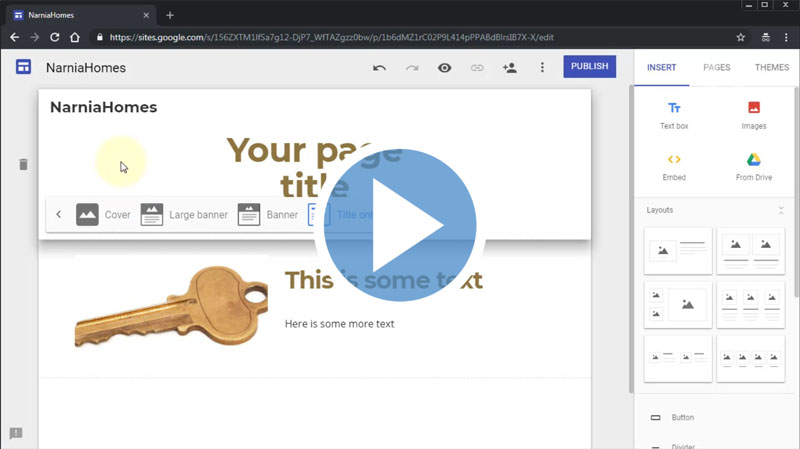
In this tutorial, we are going to work with the header area of our site. In the header area, our page name will be visible.
Lesson 7 - Setting Up The Homepage
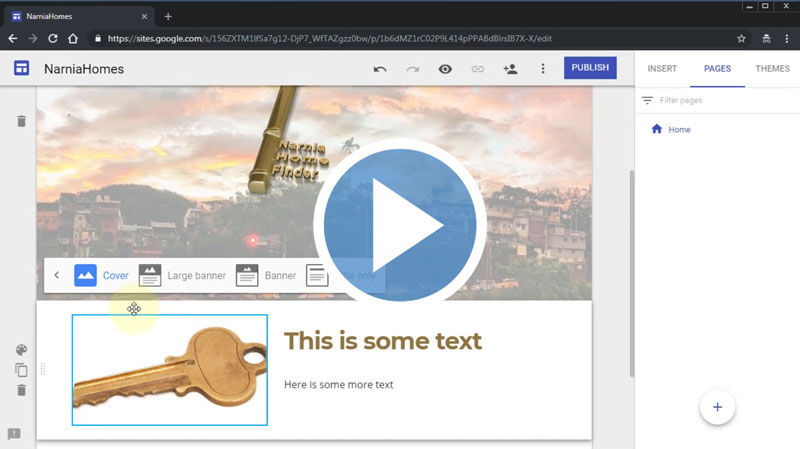
We have already set up the theme and header for our site. In this tutorial, we are going to learn about the homepage settings. The home page is the landing page which we see first.
Lesson 8 - Adding Pages
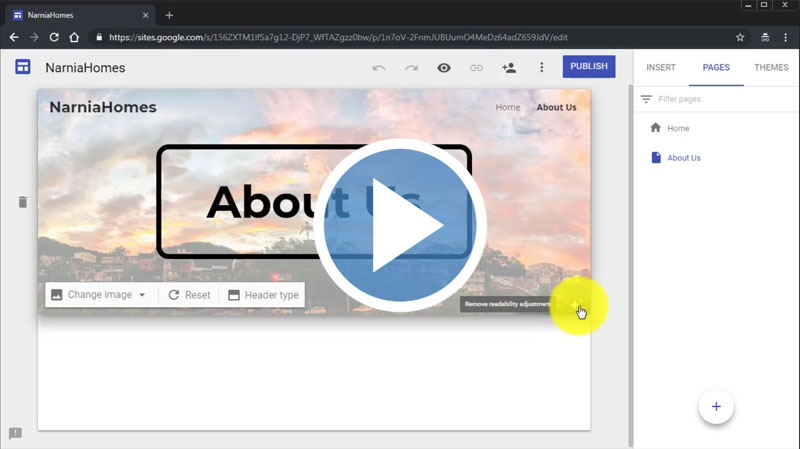
In this class, we are going to build some other pages which will go on with our homepage. Step-by-step details have been shown in the tutorial.
Lesson 9 - Adding Sub-Pages
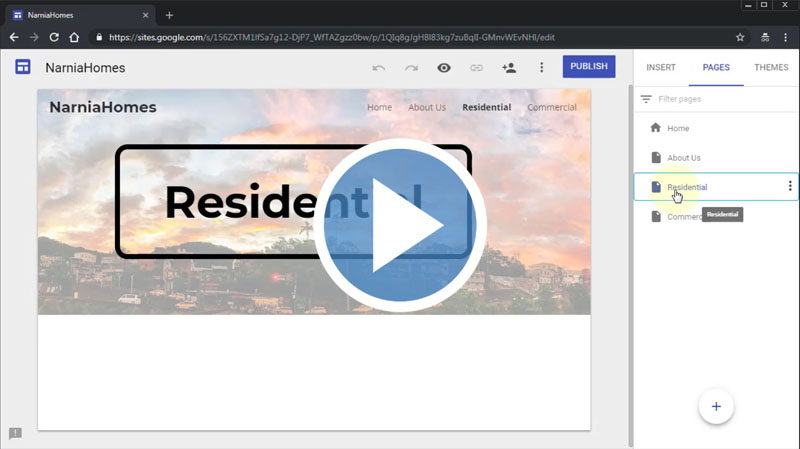
Following the previous videos, we have already learned about the homepage and adding other pages. In this video, we are going to cover another important page which is the sub-page.
Lesson 10 - Site Navigation & Adding Links
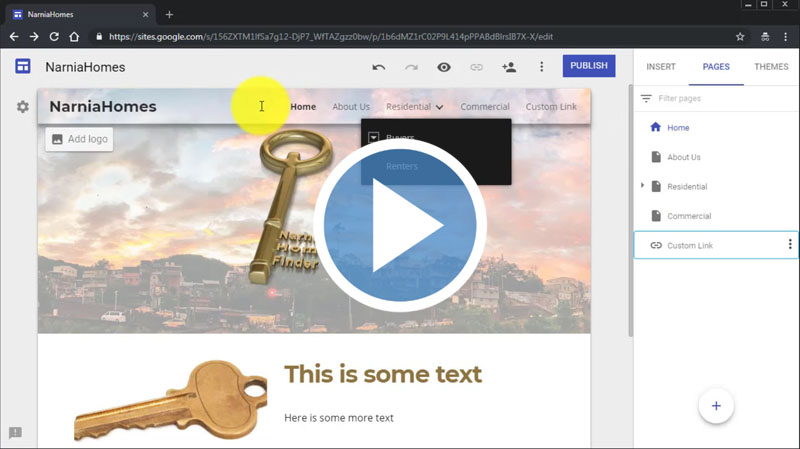
In this class, we will have an in-depth look at google sites navigation and adding links. This will help your visitors browse your site and access pages quickly which is great for keeping bounce rates low and high index results.
Lesson 11 - Adding Element Components
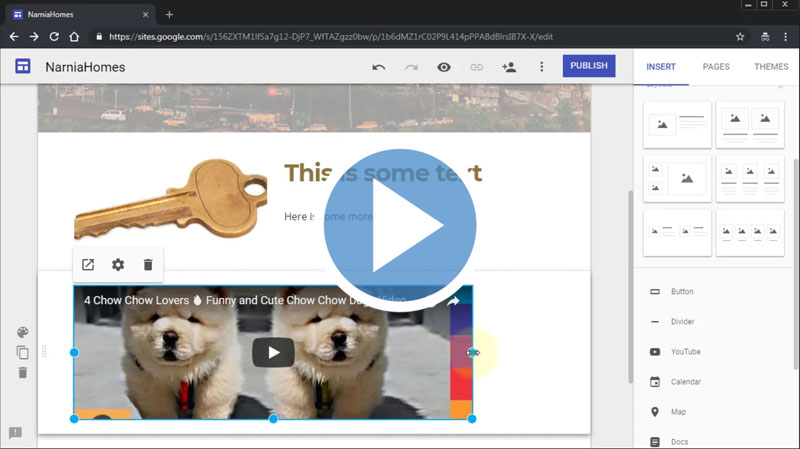
In this video, we are going to learn how to insert different elements into your site. The step-by-step procedures have been shown in the tutorial.
Lesson 12 - Adding Images
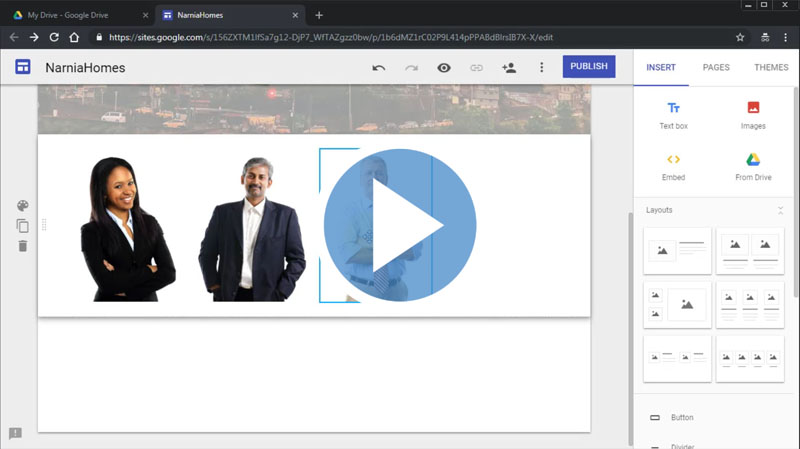
In this class, we are going to learn about adding and manipulating images on our google sites. This is great for showcasing a product image, your picture, call to action image buttons and more to make your page stand out.
Lesson 13 - Customizing Page Content
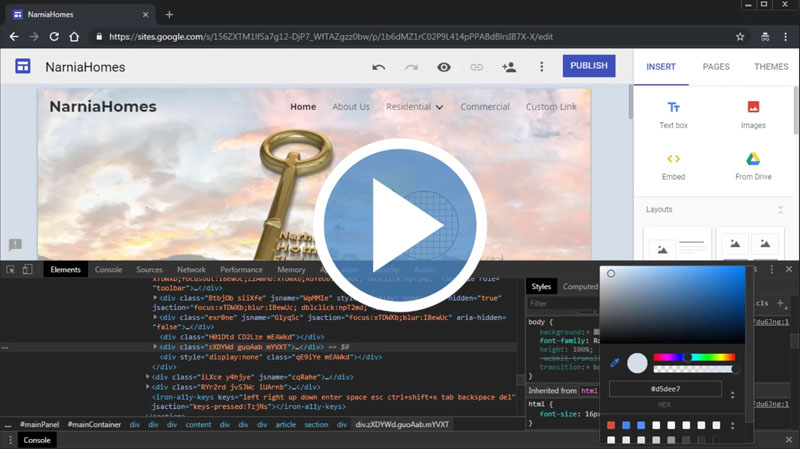
This class is all about customizing the contents that you have already added to your google site pages. Here you'll learn to use the in-built HTML editor to customize segments of your page.
Lesson 14 - Adding Google Products
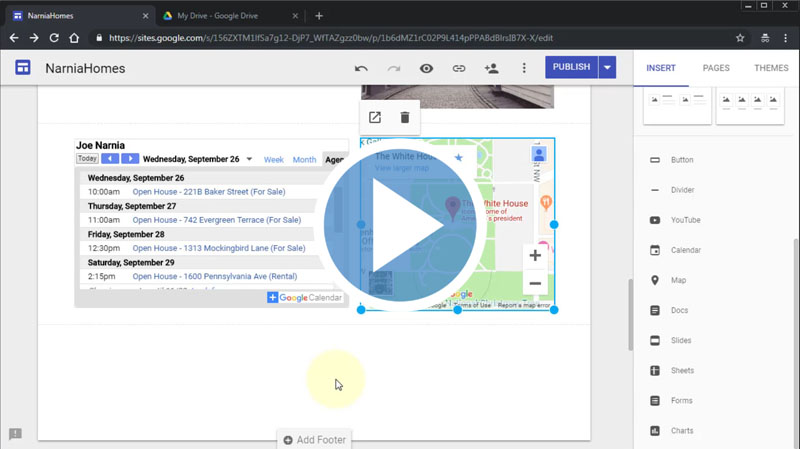
In this video, we will add some more content to our webpage. We'll add Google products like Google Maps, and Calendar, etc. Keep your visitors engaged and hooked to your website with these widgets. Let's check out the tutorial for more details.
Lesson 15 - Adding Custom Code to Your Pages
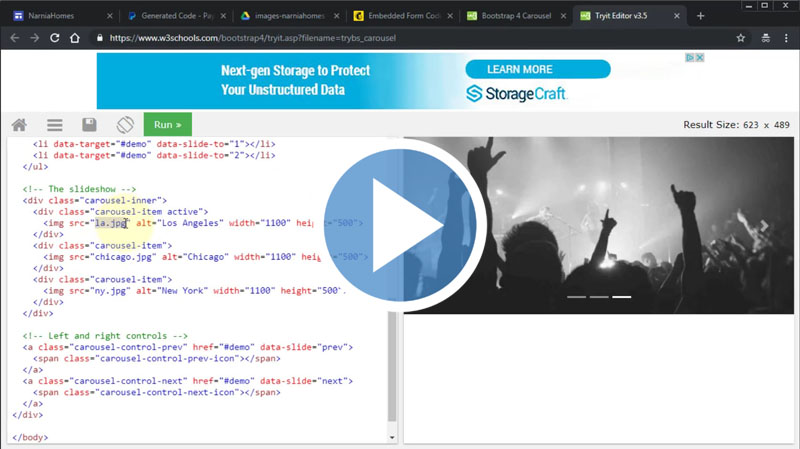
In this video, we are going to learn a unique feature of Google sites. You can embed custom codes to your Google site pages. The details have been discussed in the lesson.
Lesson 16 - Adding a Contact Us Form Page
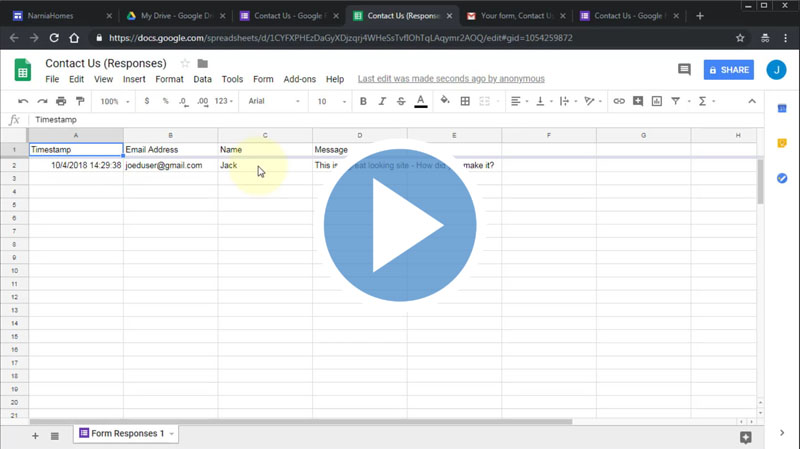
In this video, we are going to create a custom contact us form and then will add it to our Google site. This is a very effective way to allow visitors and potential customers and clients to reach out to you.
Lesson 17 - Adding & Customizing a Footer
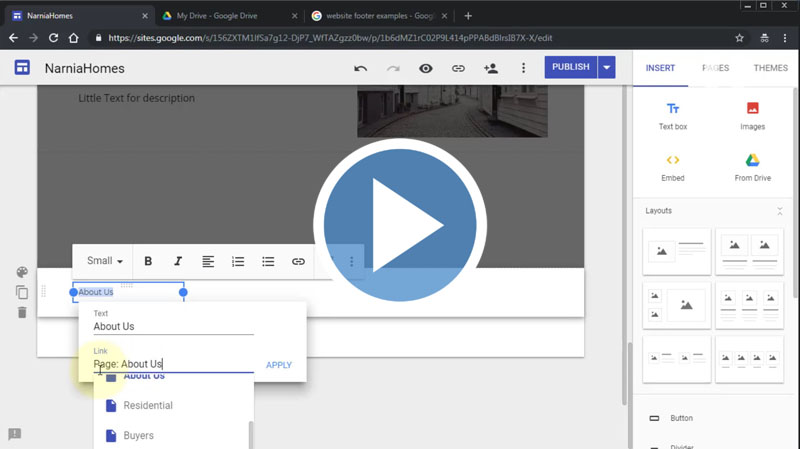
In this tutorial, we are going to learn about creating and adding a custom footer into your google site pages. Footers will be added automatically to all the pages after creation. Let's check it out.
Lesson 18 - Adding Site Logo
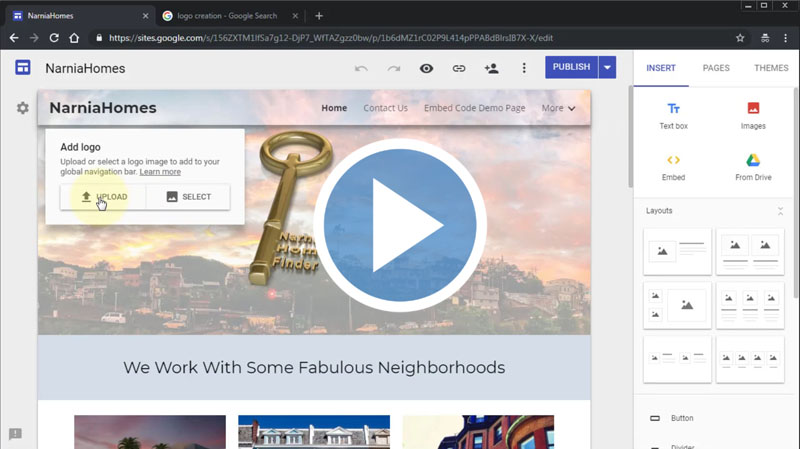
Logos help brand your site and give it an establish look and feel. In this video, we are going to add a custom logo to our Google sites so your visitors know who they're doing business with.
Lesson 19 - Adding a Site Favicon
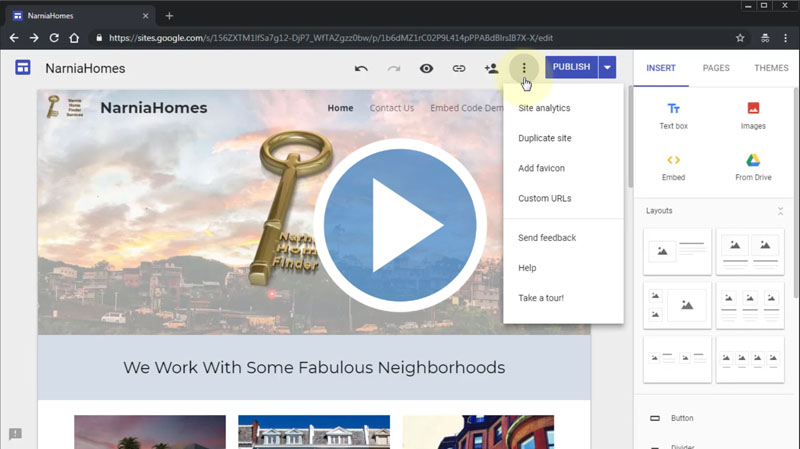
In this class, we are going to learn how to add a favorite icon to your google site. But it will only visible after you publish the site. Check out the video for more details
Lesson 20 - Publishing Your Site
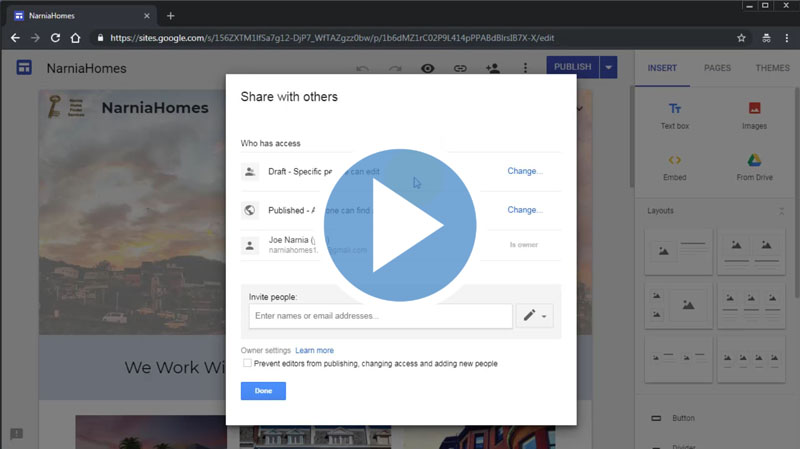
In this class, we are going to discuss all publishing the site and how to make an edit if something goes wrong. Watch this lesson to see how to publish your google site and make your site official.
It's Never Been Easier to Create Professional Mobile-Responsive Sites with Just a Few Clicks of the Mouse!
When you watch and apply what you’ve learned from these lesson, you will able to create quality looking sites for almost any purpose...
Want to build an affiliate review site to promote ClickBank, JVZoo and other affiliate products?... Done.
Want to rank for multiple keywords and keyphrases in the search engines with your articles and generate revenue with Adsense?... Done.
Want to target a very specific niche or demographic of people and entice them to sign up to your newsletter?... Done.
Want to use Google Sites to build your website, export it and then re-sell it to other marketers for a nice profit?... Yes it can be done!
Google Sites is in itself it's own business. You're not just getting the answer to create websites... but the ability to generate more profit in your business than ever before!
Don't forget... this is Google's app so they are going to be biased and rank their own creation (your creation) up there in the top results.
Now... compare this building a website from scratch, writing an entire site in 'code view' and then convincing the search engines including Google to rank you on first page... and you'll see that it’s virtually impossible to fail!
You now have everything you need to learn how to build professional grade websites is at hand. Everything is just there waiting for you inside...
Your Purchase is Backed by Our 100% Satisfaction Guarantee!
 You're now one step closer to building an online business that you've always wanted. Our training videos were created for marketers so you're getting REAL training that you need and refer back to time and time again.
When you invest in this course today you're backed by a ‘No Like No Buy’ guarantee. If you feel that these videos did not help you in anyway then send us an email requesting for a full and prompt refund.
How can we make such a confident guarantee? Simple. Firstly because we know that these videos are packed full of value - stuff that they don't teach you in school and secondly because we were once in your shoes and know what it's like to go through this steep learning curve.
You're getting access to the exact information we needed years ago but had to learn ourselves the hard way. Order now in complete confidence and we'll deliver this course to you immediately.
It Couldn't be Easier! Watch, Learn and Apply what you Need to Know... When you Need to Know it!
You have absolutely every reason to become successful online and with all this knowledge at your fingertips nothing will hold you back.
Use your new found knowledge to learn, grow and expand so you can attract more prospects, customers and clients.
Listen... it's not about trying to re-invent the wheel. Sometimes all it takes is knowing how to work with what's already in front of you to get the results you need.
Secure your videos now and you can start watching and applying these powerful methods within minutes from now! Click the order button below to get started...
Watch a sample video below to get started...
Secure Your Order Now and Create Stunning Mobile-Responsive Sites without Expensive Web Building Software, Web Hosting or Even a Domain Name!... Even if You're Not a Web Designer and Struggle to Rank for Traffic
Perfect for Creating Affiliate Review Sites, Adsense Revenue, Sales Pages, Funnels, Exporting, Re-Selling and Flipping... Whilst Keeping Your Costs Low!
Normal Price $24.95
Your Price Only $10


To Your Success! Theoda Metcalf and Aaron Danker
Your online teachers passionate in helping you succeed!

Theoda has a passion for internet marketing with plenty of experience and a growing knowledge of the industry. Theoda is comitted to helping you grow your online business and achieve real tangible results that you can be proud of. If you have any pre-sale questions about this product, please contact support@shopanpop.com for help and support and your questions will be answered you as soon as possible.

Aaron Danker is an established internet marketer with over 10 years of online experience. He provides high level turn-key solutions, website installation services and coaching to share his knowledge and expertise with dedicated students. This product is the result of years of marketing experience all condensed into one powerful and easy-to-use learning platform to help solve problems many entrepreneurs face.
Click Here to Secure Your Order Now