Monday 27th of July
From Theoda Metcalf and Aaron Danker
Your Online Marketing Teachers
Have you ever wanted to use a high-powered website editor but could not afford any of the great ones like DreamWeaver, ClickFunnels, or plugins like Thrive Architect or similar?... Believe me I know what it's like.
...Or maybe you're even put off by the thought of learning some basic HTML because it just looks too complicated and you put it aside for later... but then you realize these tech-related problems keep cropping up and you find yourself running in circles - frustrated! Can you relate to any of this?
If you plan to run an online business you need to create and edit websites and customize code... and you may even offer services to others to make your living...
You may notice other professionals using popular and expensive code editors... but when you check out the prices you'll see they're outside your budget and most likely way too complicated to use... with features you'll never need.
The fact is these powerful programs are designed to be useful for everyone in almost every industry... so it makes sense that it has all the features needed to satisfy as many professions as possible... to build almost any website you can conceive of from portfolio sites for artists, to photography sites, to menus for restaurants, to ecommerce stores and more.
If that's for you... great! However you're a starting out you most likely build SIMPLE sites that are designed to get people to take single actions like... click affiliate links, opt-in to newsletters, share content, and click payment buttons and so on.
This is why the "best" website building software available right now may not necessarily mean the best software for you... especially if you're only going to use a tiny fraction it's features... whilst paying full monthly or annual subscription prices...
I would even go to say that you'll be more productive and profitable without it.
So what if I told you there was an affordable option that ticks all the boxes above?...
I'm going to give you a true no nonsense, complete blueprint literally anybody, no matter the experience or skill level, can understand and use to edit web pages with this powerful site builder.
This is as close to a "total beginner proof" system you'll ever find.
All you have to do is push play, then watch & do what I do. And I'm going to give you the best time saving shortcuts that you'll not see anywhere else.
Some will have you believe it takes time to learn how to use these tools on your own. But I'm here to tell you it doesn't take much time at all... not when you go through this simple and easy to follow course...
Lesson 1 - Overview
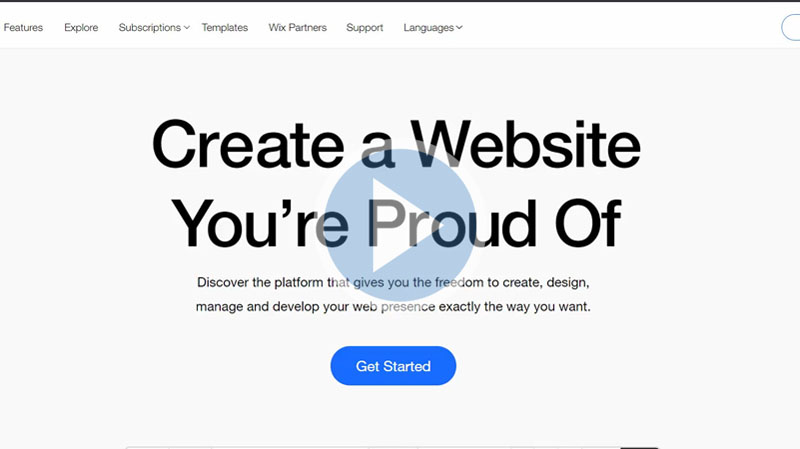
Wix is a website-building platform from where we can create a website from scratch. In this course, we are going to learn about this platform.
Lesson 2 - Setup Plans
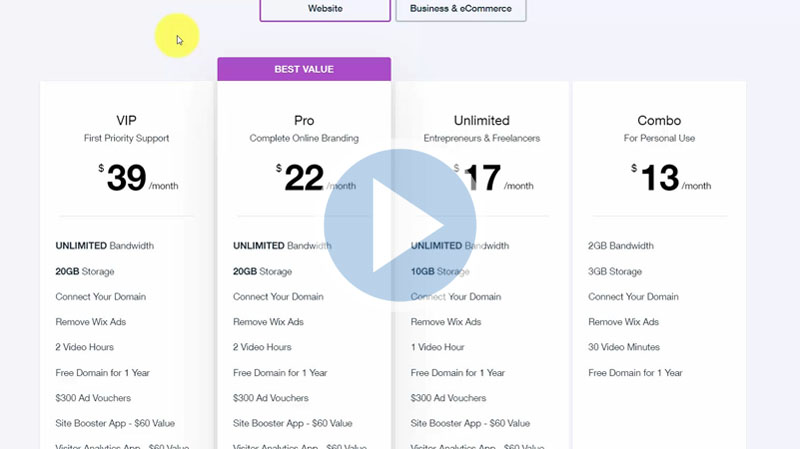
Although Wix is free to get started, it has some subscription plans for the users. In this video, we are going to see those plans.
Lesson 3 - Wix Partner and Affiliate Programs
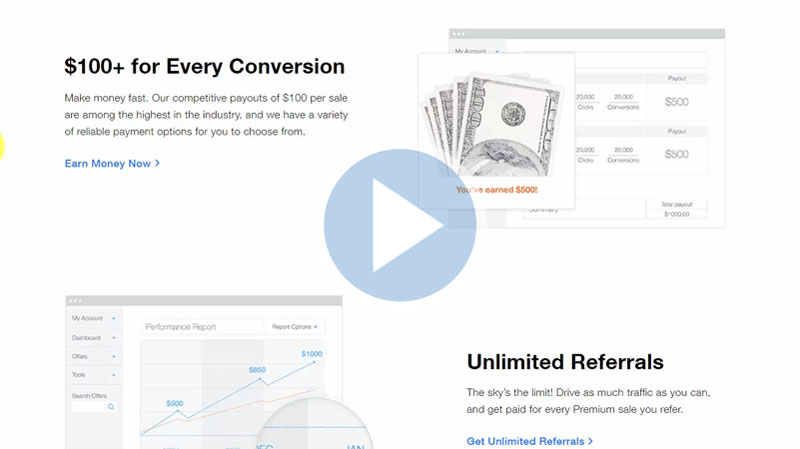
Wix also has a partner program. It assumes you are working as an agency and going to provide your clients. Details have been discussed in the tutorial.
Lesson 4 - Sign Up and Basic Design
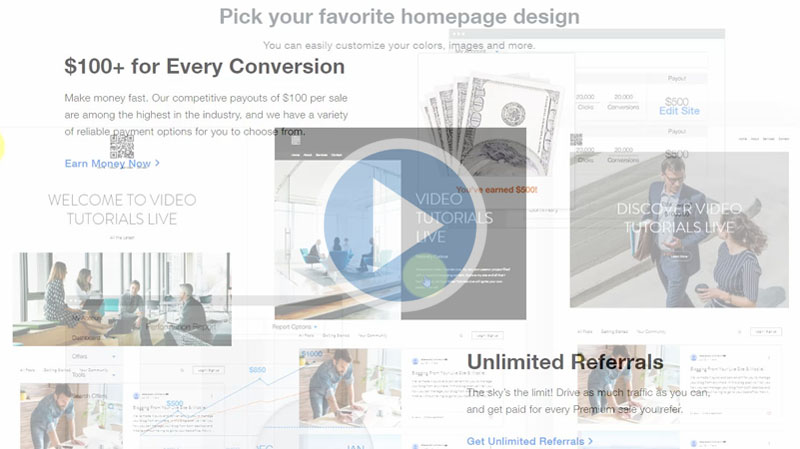
In this video, we are going to start the process by signing up and going to know about the basic designs. The details are in the video.
Lesson 5 - Adding a Section
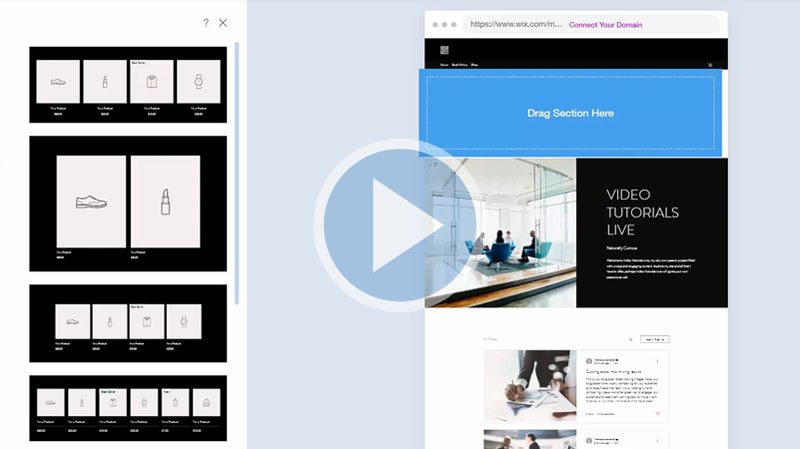
Now any page we have, you can add sections to the page. There are options to add a section, page, or application. This video discusses adding sections.
Lesson 6 - Adding a Page
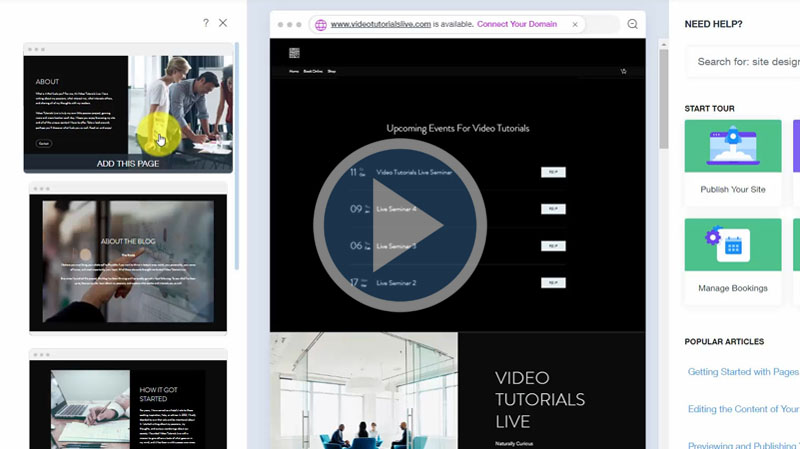
Following the previous video, there are options to add a page here. In this video, we are going to see this step in detail.
Lesson 7 - General Settings
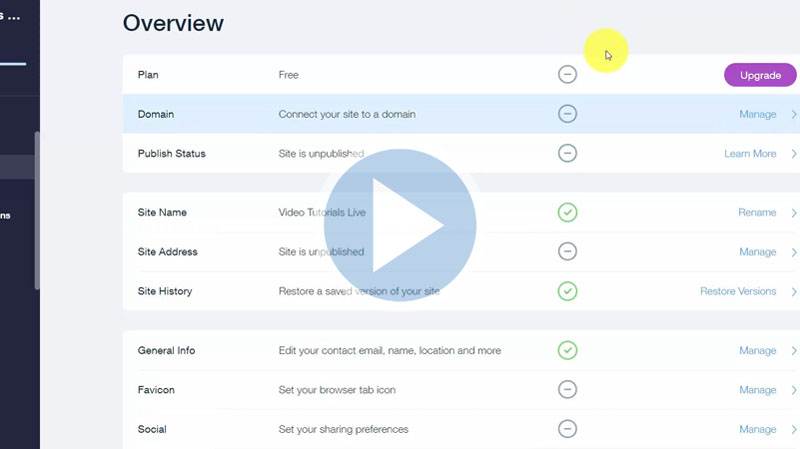
Now when you creating your site, it is ideal that you go through the settings and customize them. In this video, we will go through the settings.
Lesson 8 - Adding a Contributor
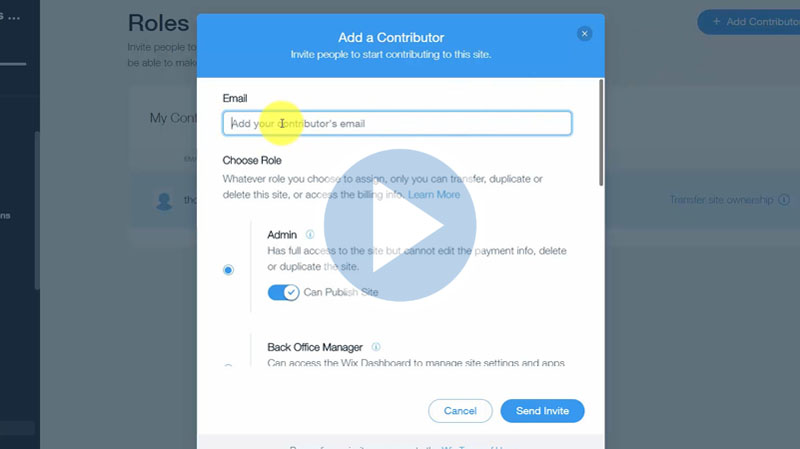
You can give access to other individuals in order to work on your site. In this video, we are going to learn about adding a contributor.
Lesson 9 - Advanced Settings
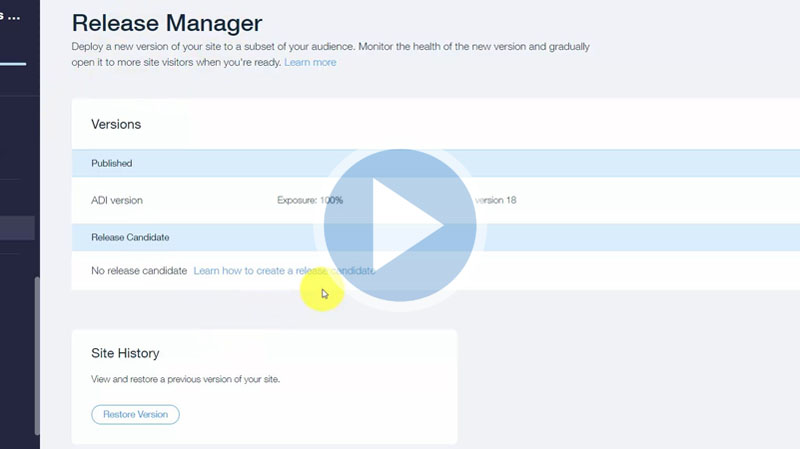
In the configuration system, there are advanced settings. In this video, we are going to learn about those setting options in detail step by step.
Lesson 10 - Advanced Settings Store Settings Automated Order E-Mails
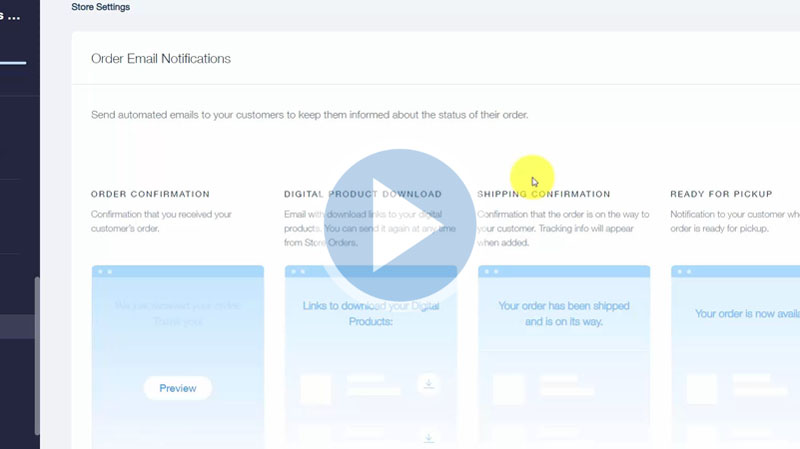
Following the previous video, in the advanced settings option, there are "Store Settings". In this video, we are going to learn about this and the automated order e-mails in details
Lesson 11 - Advanced Settings Paid Videos
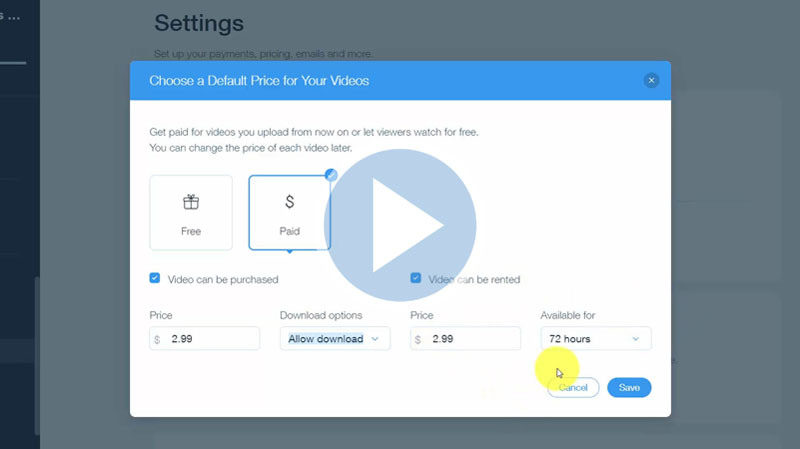
Now in the advanced settings option, there are "Video Settings". You can allow only videos to be showed when an individual makes the purchase. In this video, we will learn details about it.
Lesson 12 - Advanced Settings Wix E-Mail Inbox
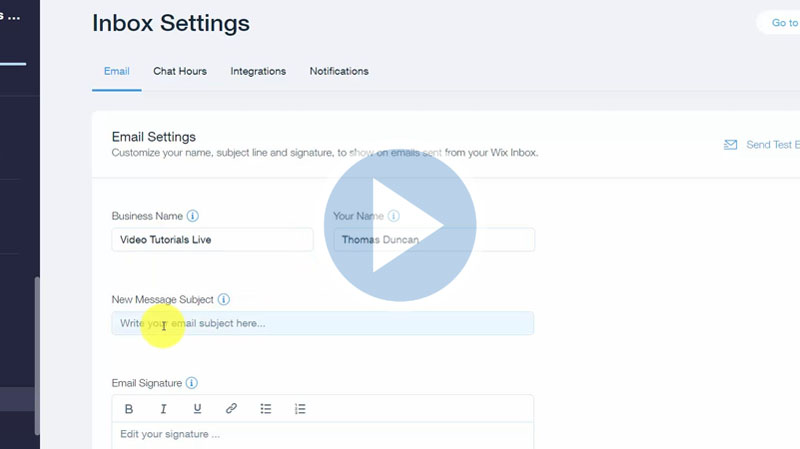
Following the previous video, we are now looking at the "Inbox Settings" of the advanced settings option. The details are discussed in the tutorial step by step.
Lesson 13 - Advanced Settings Quotes and Invoices
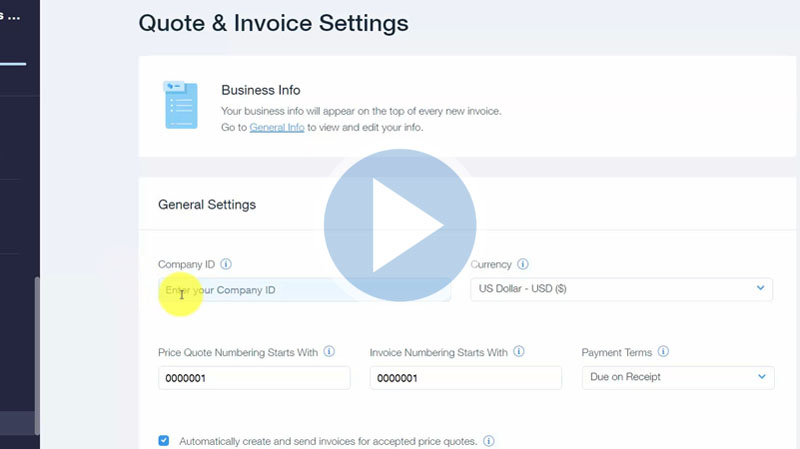
You can send quotes and invoices to individuals using your Wix system. In this video, we are going to look at this matter in the advanced settings option.
Lesson 14 - Video Settings - Upload
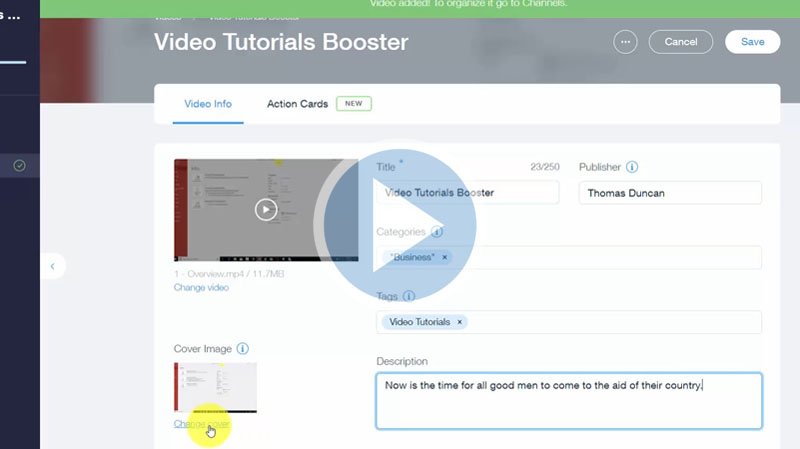
We are now going to the "My Site" area and enter into our site. We will find video upload settings there. In this video, we are going to discuss this topic.
Lesson 15 - Video Settings - Action Cards
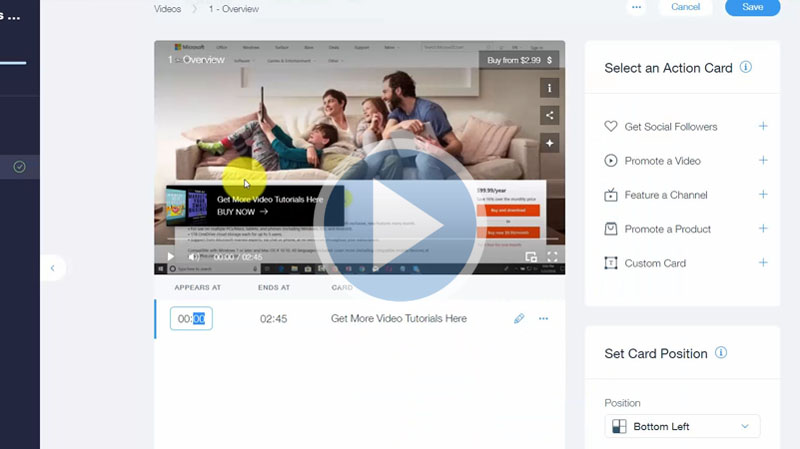
Beneath your video upload settings area, you are going to see an option called “Add Action Cards to Your Video”. In this video, we will start from here following the previous one.
Lesson 16 - Live Streaming Video Part 1
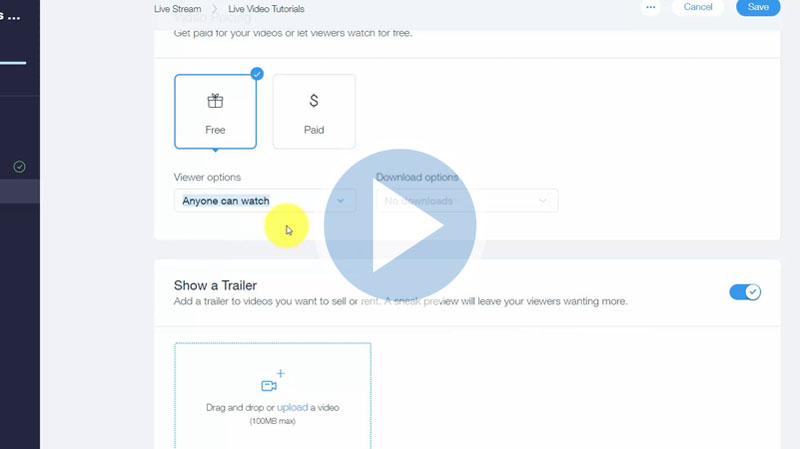
One of the unique features that Wix has is the “Live Stream” in their video settings. In this tutorial, we are going to learn about this feature of Wix.
Lesson 17 - Live Streaming Video Part 2
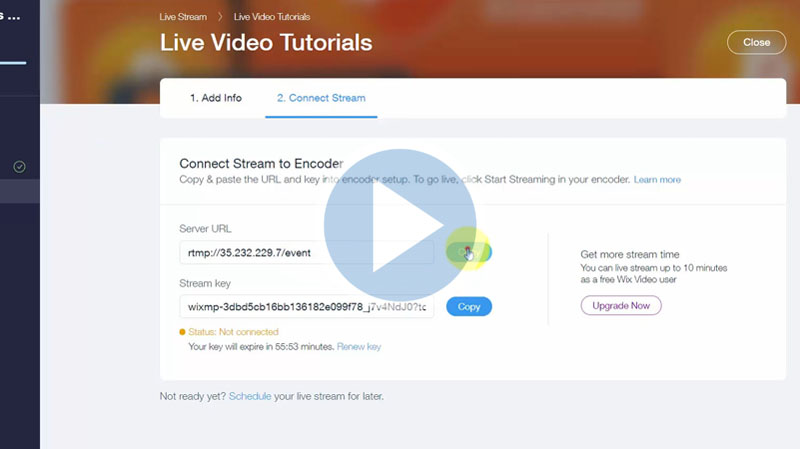
Following the previous video, we are now setting up the live streaming feature of Wix. Starting with clicking the option “I have an encoder”. The details are shown in the tutorial step by step.
Lesson 18 - Live Streaming Codecs and Video Channels
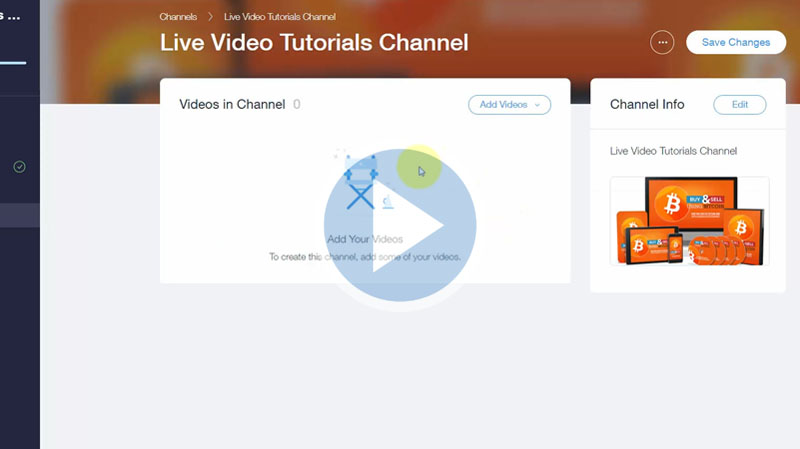
In the case of the live stream, there are specific settings that you will need to have for your OBS Studio. The details have been discussed in this tutorial briefly.
Lesson 19 - Blog Post Creation
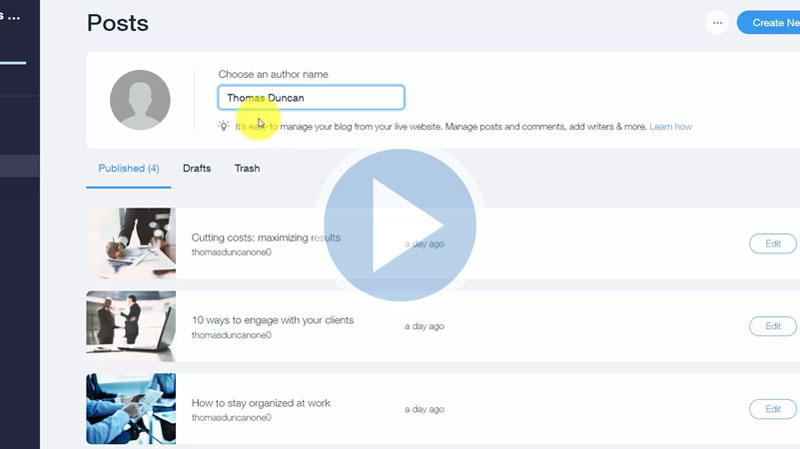
Now one of the elements that you can use in your Wix website is a blogging feature. In this tutorial, we are going to learn about this important feature briefly.
Lesson 20 - Basic Summary
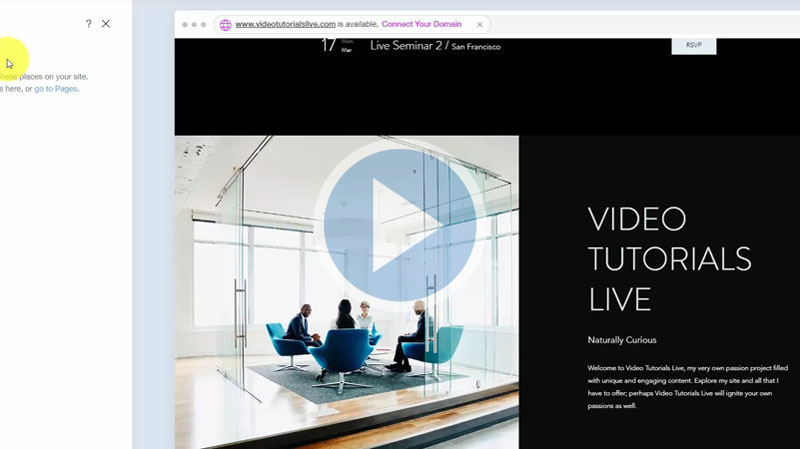
Now you have several pages and elements. In this summary video, we are going to discuss few more little things before concluding the first section.
Lesson 21 - Advance Overview
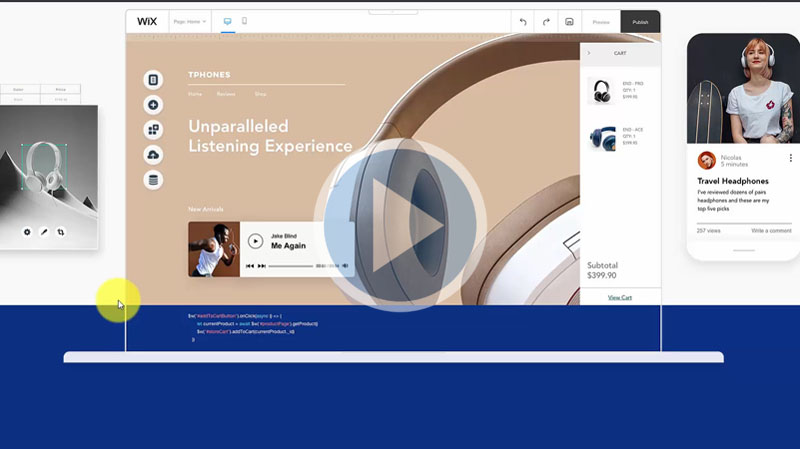
As you know by now Wix is a free web-building platform where we can build any website from scratch. We have covered all the basic functions of Wix so in this section, we will go through the advance features of Wix.
Lesson 22 - Adding the Chat App
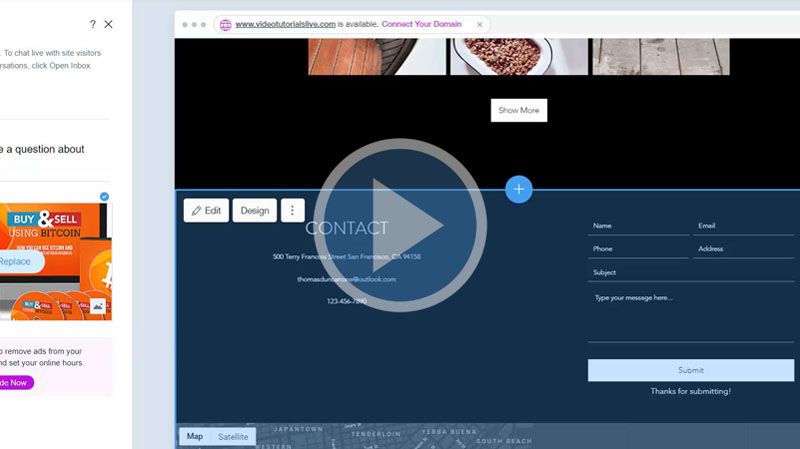
If you go to the add section, there will be the option of an app. In this video, we will learn about adding the Chat app and details.
Lesson 23 - Adding the Blog App
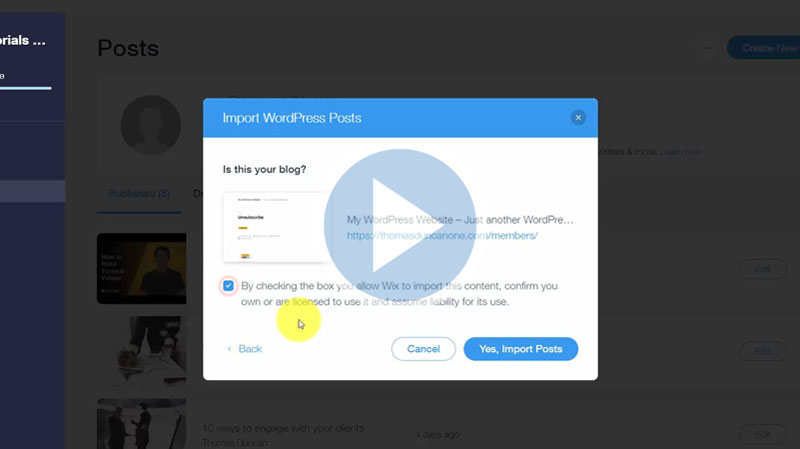
There is also a Blog option there in the add section. You can manage your blog settings from there also. In this video, we will learn how to add a Blog app.
Lesson 24 - Adding the Instagram Feed
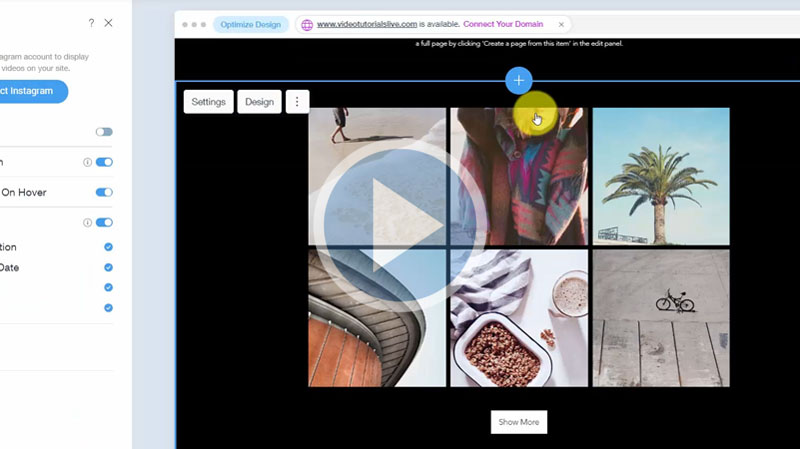
You can also add your Instagram feed on your side. In this video, we are going to see the process how to add an Instagram feed using Wix.
Lesson 25 - Adding the Video App
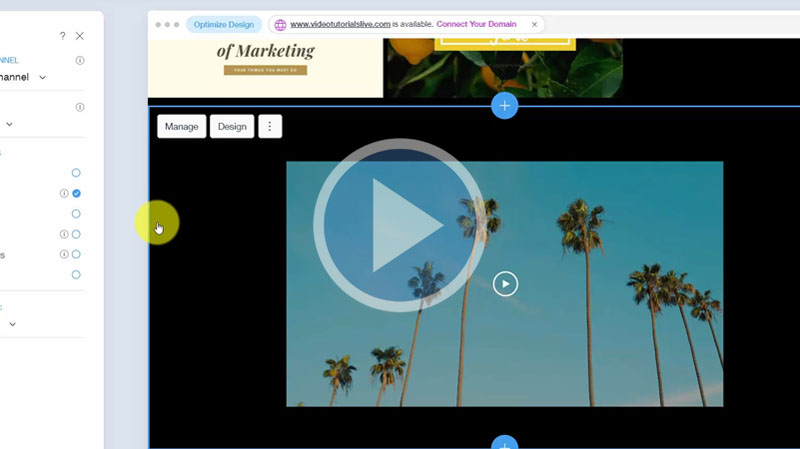
You already begin to set up videos on your Wix website. In this video, we are going to see the process of adding a video app and other details. about it.
Lesson 26 - Adding the Events App
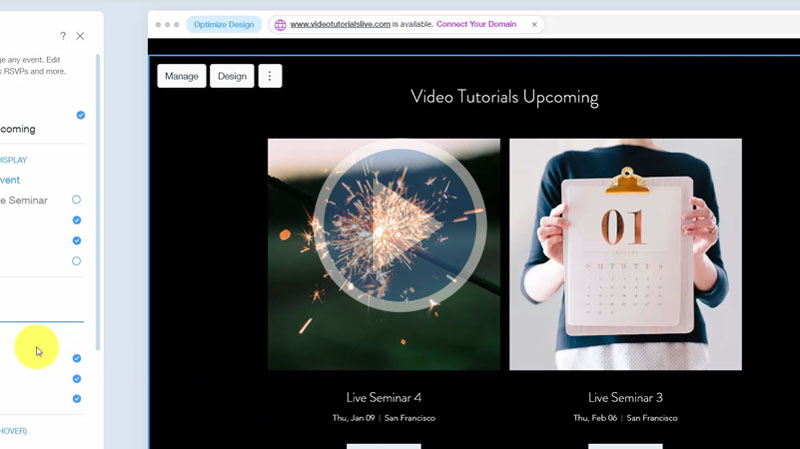
You can also add an event app in Wix. This will now allow you to create events, sell tickets, and other related features.
Lesson 27 - Adding the Members Area
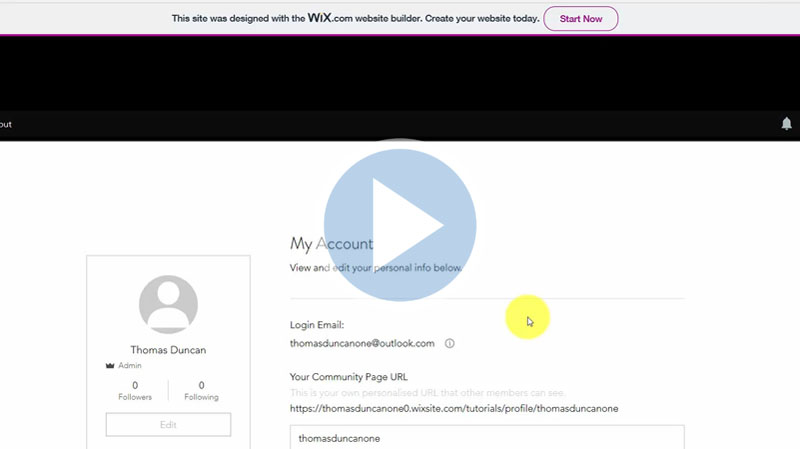
One thing you can add to your Wix site is a member area where they will be able to create their own private accounts. In this video, we will learn about this process.
Lesson 28 - Adding a Bookings App
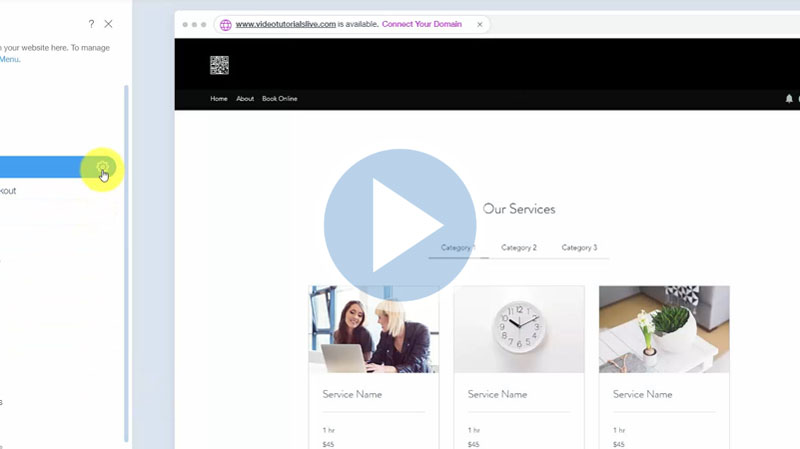
Wix also has a bookings app that you can add to your page. This tutorial will show you the step-by-step process of adding it.
Lesson 29 - Adding a Music App - Part 1
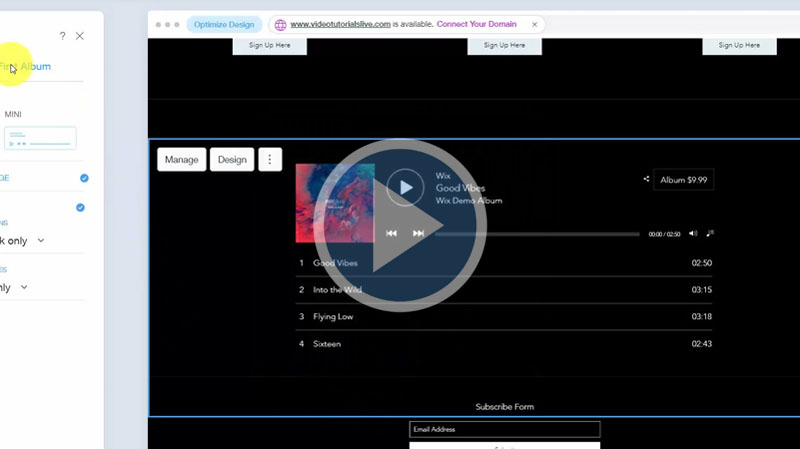
Wix also gives you music or audio application where you can stream and sell your audio content. In this video, we are going to add the Music app and know other related details.
Lesson 30 - Adding a Music App - Part 2
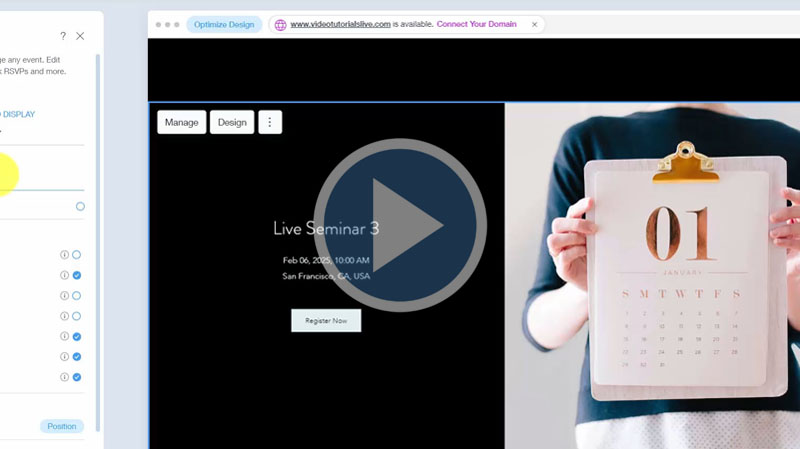
Wix has an application called "Single Event" from where you can collect RSVPs and sell tickets. In this video, we will learn details about this feature.
Lesson 31 - Switching to the Wix Editor
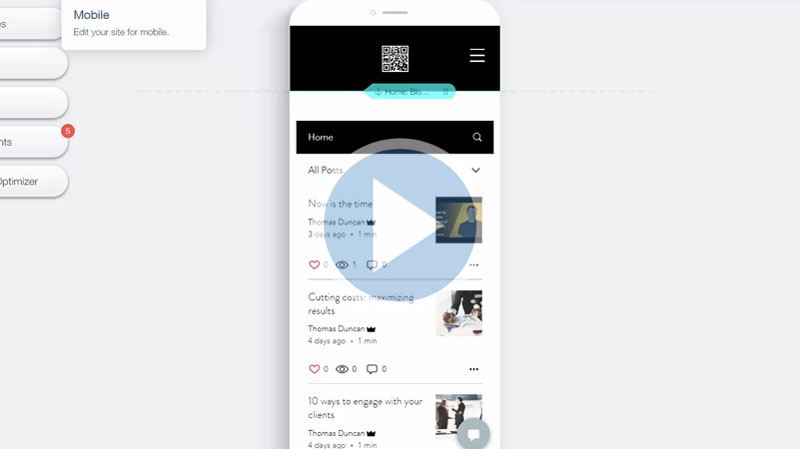
There is an application on the right side by which you can switch to the Wix editor. In this video, we are going to learn about this application.
Lesson 32 - Wix Editor - Overview
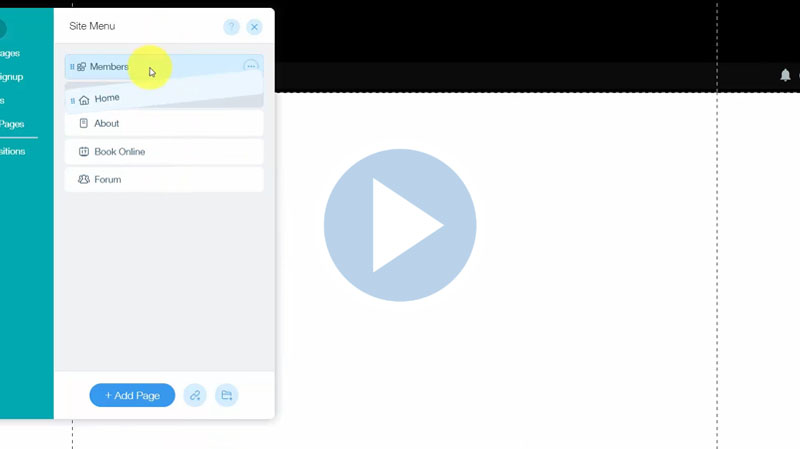
In this video, we are going to have a quick look at the options we have in the Wix editor and what could be done. Details have been shown in the tutorial.
Lesson 33 - The Wix Editor - Backgrounds
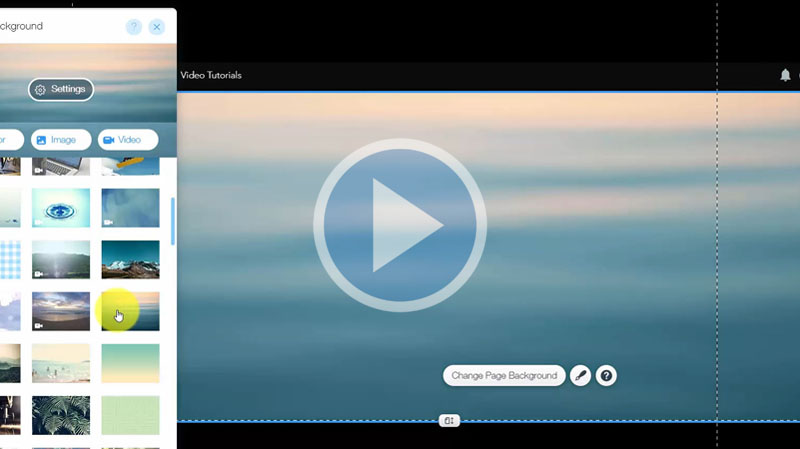
Wix editor also allows you to make changes to your background. This video will guide us through this process step by step.
Lesson 34 - The Wix Editor - Add Button
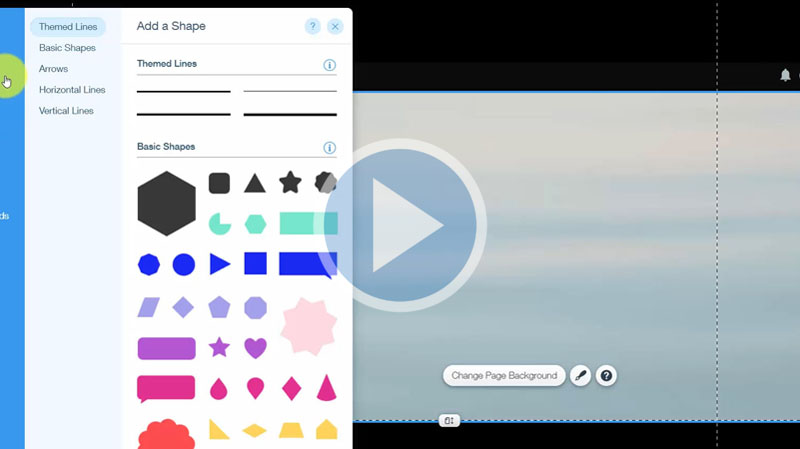
You can add several things to your site through the Wix editor. In this video we will look at the options we have in the "Add" option of the Wix editor.
Lesson 35 - The Wix Editor - Media
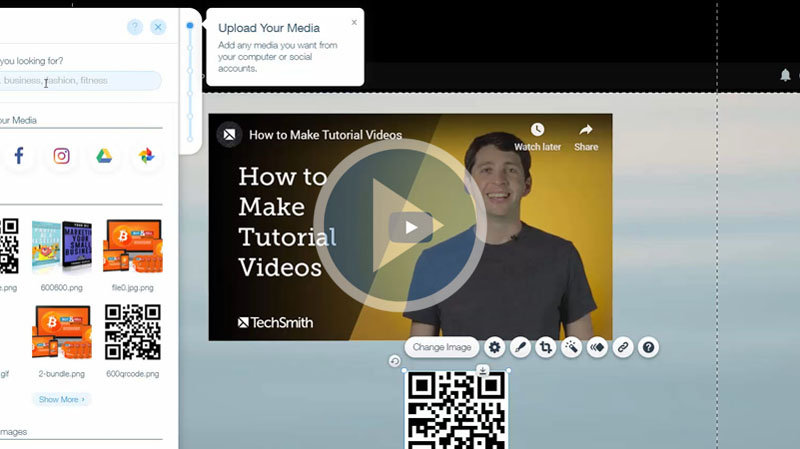
You can add media to any existing page. In this video, we are going to learn about the "Media" option of Wix editor and how to use it.
Lesson 36 - The Wix Editor - Blog Management
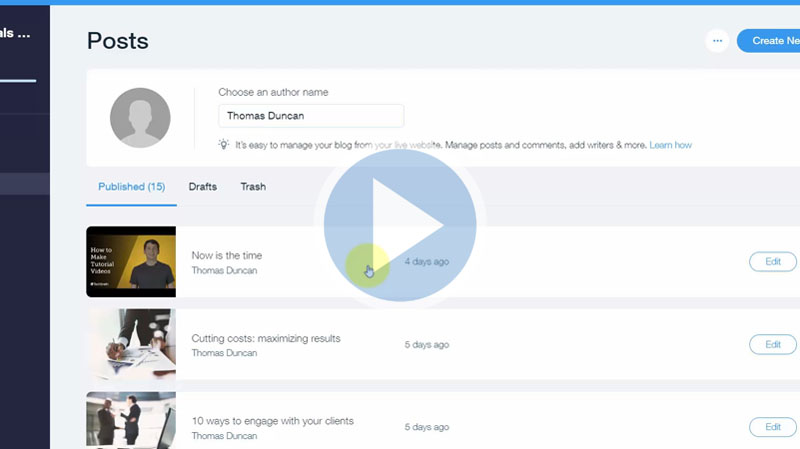
Wix Editor gives you more control over your blog. In this video, we are going to learn about blog management and its different options available in the Wix editor.
Lesson 37 - The Wix Editor Tools
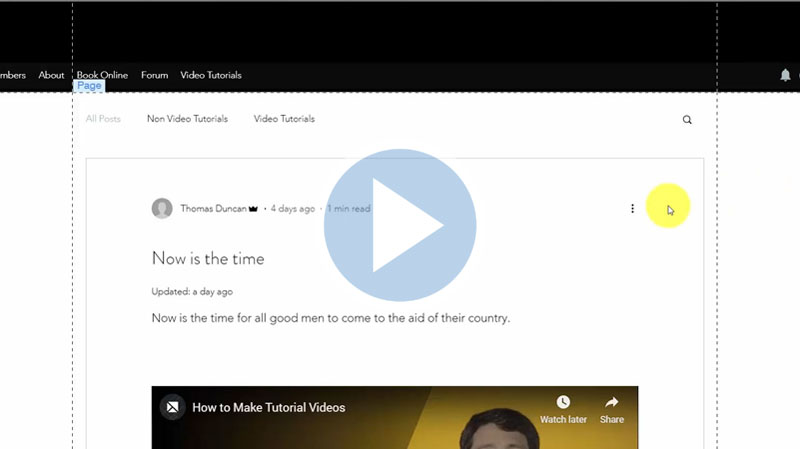
You also have tools available in your Wix Editor. If you check the toolbar, you will see four elements there. This video discusses this topic.
Lesson 38 - Wix App Market Part 1
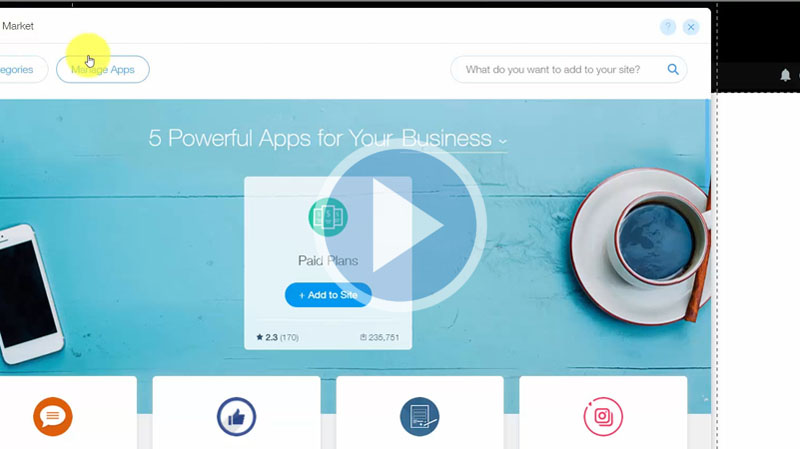
There is Wix App Market available in Wix editor. From there you can add different necessary applications to your site. This video will discuss this topic briefly.
Lesson 39 - Wix App Market Part 2
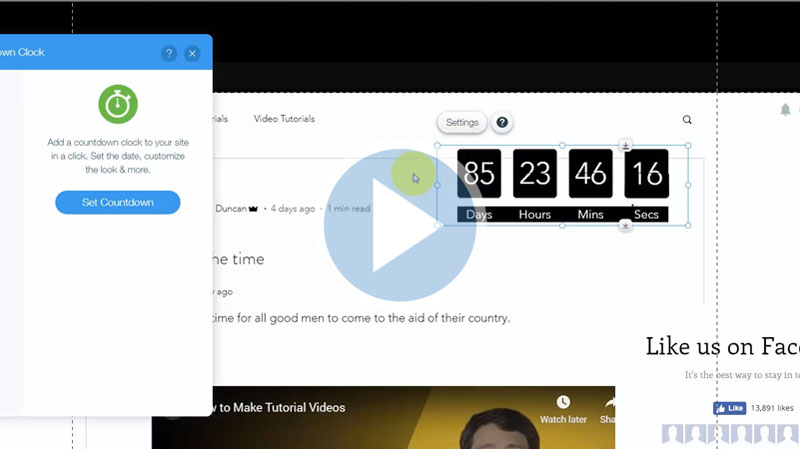
We are still roaming inside the Wix App Market. We will look at all free applications specifically. Details have been shown in the tutorial.
Lesson 40 - Advance Summary
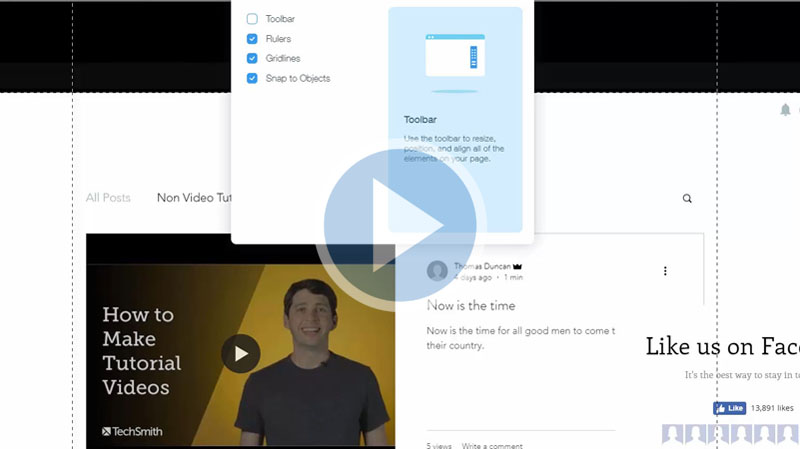
In this video, we are going to have a complete overview of these lessons so far and what can be done using the options we have learned so far.
Now You Can Access to this ENTIRE Set of Easy to Follow, "Do This Then Do That" Videos Immediately...
These powerful step-by-step videos cover everything you'll need to setup your own website... so you can tackle almost any web-building and web-editing related task!
Don't let your inexperience or lack of knowledge hold you back...
The time to make your web presence known is now! And these videos are some of the best videos ever produced to get you started fast.
These training videos are simple, unique, and easy to follow. Each one created with YOU in mind.
These videos reveal some of the BEST shortcuts, tips and methods for anyone looking to create their own website. These tips, shortcuts and strategies are just waiting for you round the corner!
Your Purchase is Backed by Our 100% Satisfaction Guarantee!
 You're now one step closer to building an online business that you've always wanted. Our training videos were created for marketers so you're getting REAL training that you need and refer back to time and time again.
When you invest in this course today you're backed by a ‘No Like No Buy’ guarantee. If you feel that these videos did not help you in anyway then send us an email requesting for a full and prompt refund.
How can we make such a confident guarantee? Simple. Firstly because we know that these videos are packed full of value - stuff that they don't teach you in school and secondly because we were once in your shoes and know what it's like to go through this steep learning curve.
You're getting access to the exact information we needed years ago but had to learn ourselves the hard way. Order now in complete confidence and we'll deliver this course to you immediately.
It Couldn't be Easier! Watch, Learn and Apply what you Need to Know... When you Need to Know it!
You have absolutely every reason to become successful online and with all this knowledge at your fingertips nothing will hold you back.
Use your new found knowledge to learn, grow and expand so you can attract more prospects, customers and clients.
Listen... it's not about trying to re-invent the wheel. Sometimes all it takes is knowing how to work with what's already in front of you to get the results you need.
Secure your videos now and you can start watching and applying these powerful methods within minutes from now! Click the order button below to get started...
Watch a preview video below to help you get started...
Secure Your Order Now and Build Your Own Website without HTML Editors or Complicated ‘Techie’ Software!
Use the Wix Site Builder like a Pro... to Create Stunning Looking Websites for Online eCommerce Stores, Photography, Events, Portfolios, Opt-In Pages, Single-Page Sites, Blogs and More!
Regular Price $37
Your Price Only $10
Your Price Only $10


To Your Success! Theoda Metcalf and Aaron Danker
Your online teachers passionate in helping you succeed!

Theoda has a passion for internet marketing with plenty of experience and a growing knowledge of the industry. Theoda is comitted to helping you grow your online business and achieve real tangible results that you can be proud of. If you have any pre-sale questions about this product, please contact support@shopanpop.com for help and support and your questions will be answered you as soon as possible.

Aaron Danker is an established internet marketer with over 10 years of online experience. He provides high level turn-key solutions, website installation services and coaching to share his knowledge and expertise with dedicated students. This product is the result of years of marketing experience all condensed into one powerful and easy-to-use learning platform to help solve problems many entrepreneurs face.
Click Here to Secure Your Order Now